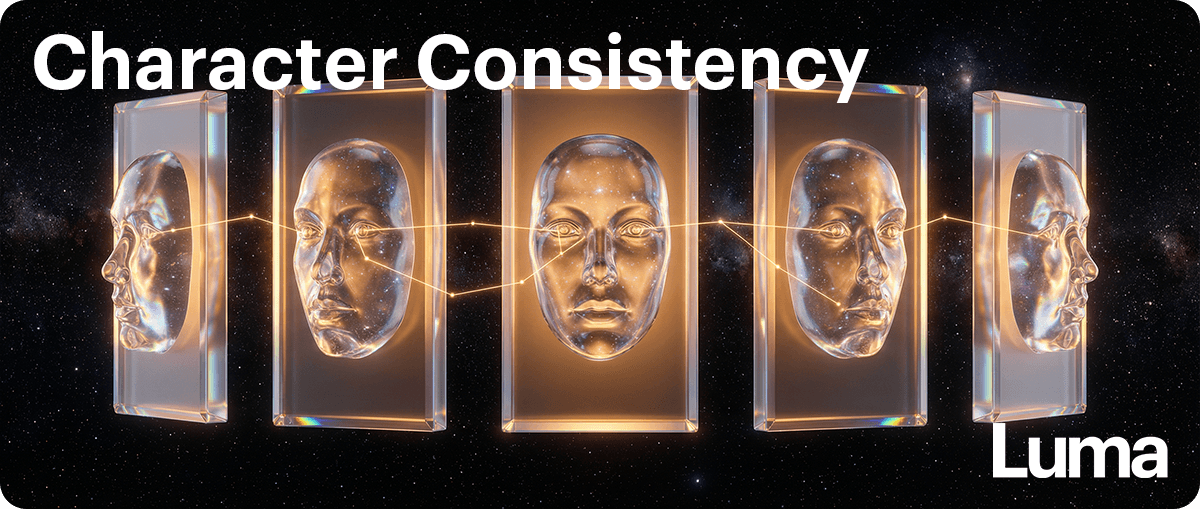

Character and Object Consistency
The idea
If your character or product keeps subtly changing, it’s usually because Luma doesn’t know what must stay the same.
Consistency doesn’t come from generating again and hoping for the best.
It comes from defining a clear Master Reference Asset — your single source of truth — and reminding the Agent to use it as the anchor for every new version.
If you only give Luma one image — for example, a front-facing portrait — and then ask for a side angle or a full-body shot, it has to invent what it cannot see.
That’s when drift happens.
To prevent this, you need more than one reference.
You need a small, clean Master Reference Assets Pack.
A simple consistency method
1️⃣ Create clean reference images
Instead of one image, create:
Front view
Rear view
Top view (overhead shot)
3/4 view (L/R)
Side view (L/R)
Full-body (if relevant)
T-pose
Each reference should:
Be on a clean or white background
Show only one angle per image
Be clearly labeled so Agent can reference easily
Do not combine multiple angles into one sheet, this has the potential to cause hallucinations and artifacts that then leak over into new generations.
One angle per image works better.
💡Tip:
If you want to see different shot types like a close-up or high angle shot, you can develop those shots at this stage and reference them later as part of your Master Reference Assets.
2️⃣ Turn visuals into structure
Ask the Agent to describe the asset in detail and ask it to create a text doc with that info per asset, this will become part of your Master Reference Asset pack as the single source of truth.
Prompt template
Please describe this image carefully so you can keep this character/object consistent in future generations and create a text doc that I can use later.
Focus on:
Shape and proportions
Colors
Materials
Key defining features
This converts the image into a structured blueprint text doc that you can use later and reference in order for the Agent to anchor any future variant or version with approved information.
3️⃣ Lock what must not change
Prompt template
Create a text doc with a list the features that must always stay the same in future versions. These should not change. Make sure you ask me if there are any features missing from your list that you must include.
Now you’ve defined your immovable identity.
4️⃣ Create controlled variations
Prompt template
Create [4] new versions that keep all locked features identical to the Master Reference Assets, but change only the camera angle and pose.
This allows exploration without identity drift.
5️⃣ Correct drift early
If something shifts:
Prompt template
This feature has changed too much:
[describe it]
Please correct it to match [insert asset name/ID/file name/frame name] exactly while keeping everything else the same.
Small corrections prevent major inconsistency later.
A helpful reminder
When you iterate, don’t only reference the most recent version.
Always re-anchor to your Master Reference Assets.
The latest variant is not your source of truth, your Master Reference Assets are.
Key takeaway
Character and Object Consistency comes from:
Multiple clean reference angles
Clear descriptions
Locked identity features
Gentle corrections
Always linking back to your Master Reference Assets to re-anchor the agent with the single source of truth
If you define what must stay the same, Luma can safely change everything else.