
Why You Should Almost Never Generate Just One Option
The idea
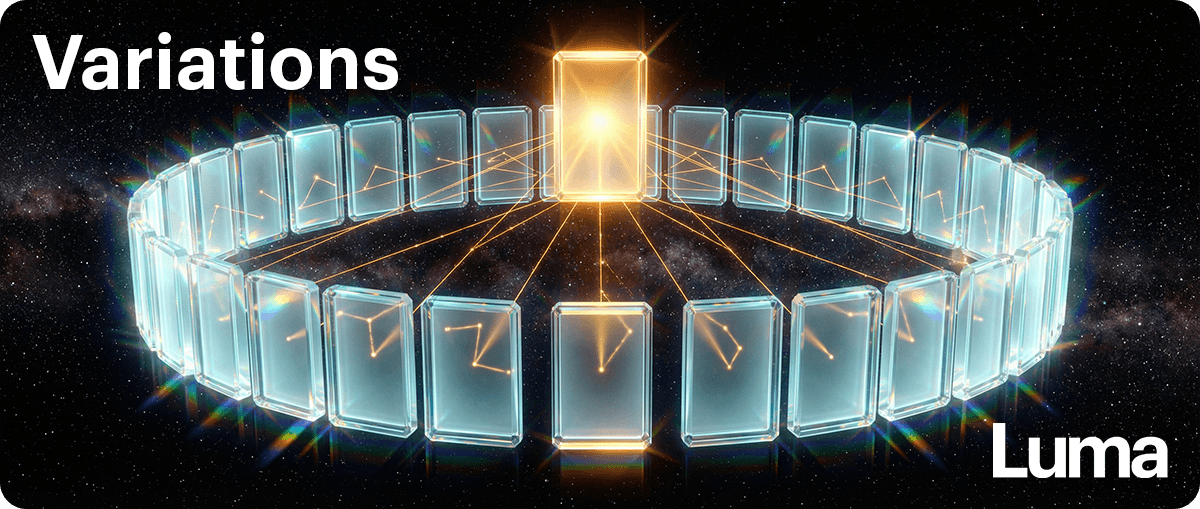
When you generate only one result, you’re guessing.
When you generate a few, you’re choosing.
Choosing leads to better outcomes and less frustration.
Before you start
As you continue to create variants and ask for different iterations or options of anything that you’re creating, remember to first establish your immovable project assets: your Master Reference Assets. These are the essential elements for the project you are working on, like a logo, or a character, or any particular element that the Agent should always refer to as the single source of truth.
As you’re making edits or iterating on your outputs, you should remind the Agent to look at and reference the original Master Reference Assets when creating a new version of something.
If you only reference the most recent output and tell the Agent to fix something about it or generate another version without reminding it to look at the original assets that still need to be incorporated into the upcoming iterations, it may hallucinate those key elements from version to version, creating unwanted results.
The Master Reference Asset pack could be mostly images like branding, characters, design elements, etc. and you can also write down a set of rules and parameters as part of your Master Reference Assets that the Agent can read and make sure to take into account when creating something new or making edits to existing media.
Step-by-step: simple batching
1️⃣ Ask for a batch
Prompt template (select your Master Reference Assets on the board before submitting)
Please create [12] different options for [idea].
Each option should feel meaningfully different, but make sure you are always referencing the selected Master Reference Assets.
2️⃣ Choose the strongest one
You don’t need a reason. Trust your instinct, and feel free to tell the Agent why you loved it and to remember your reasoning if you want to give it more personal context for future generations in the current board.
3️⃣ Improve the winner
Prompt template (select the asset you love and talk to the Agent)
This option is my favorite but I need to make a few updates:
Please improve it by:
[list specific changes]
Show me [3] improved versions.
4️⃣ Stop, critique and refine
You don’t need endless versions.
Two rounds is usually enough, but..
Examine the outputs — critique them, create more and refine if needed.
If you spot hallucinations in your outputs with core, common-thread elements, you probably did not make sure that the agent referenced your Master Reference Assets before creating new versions or iterations. Always keep your single source of truth available and top-of-mind for the Agent to incorporate into any new outputs or edits of existing outputs.
Key takeaway
Put together your group of Master Reference Assets before you start a project, make sure the agent looks at them before creating or editing anything that requires those elements to stay consistent.
You’re not trying to get it right immediately.
You’re learning by comparison — and that’s how quality improves.