Ray3 Modify (Video-to-Video)
What is Ray3 Modify?
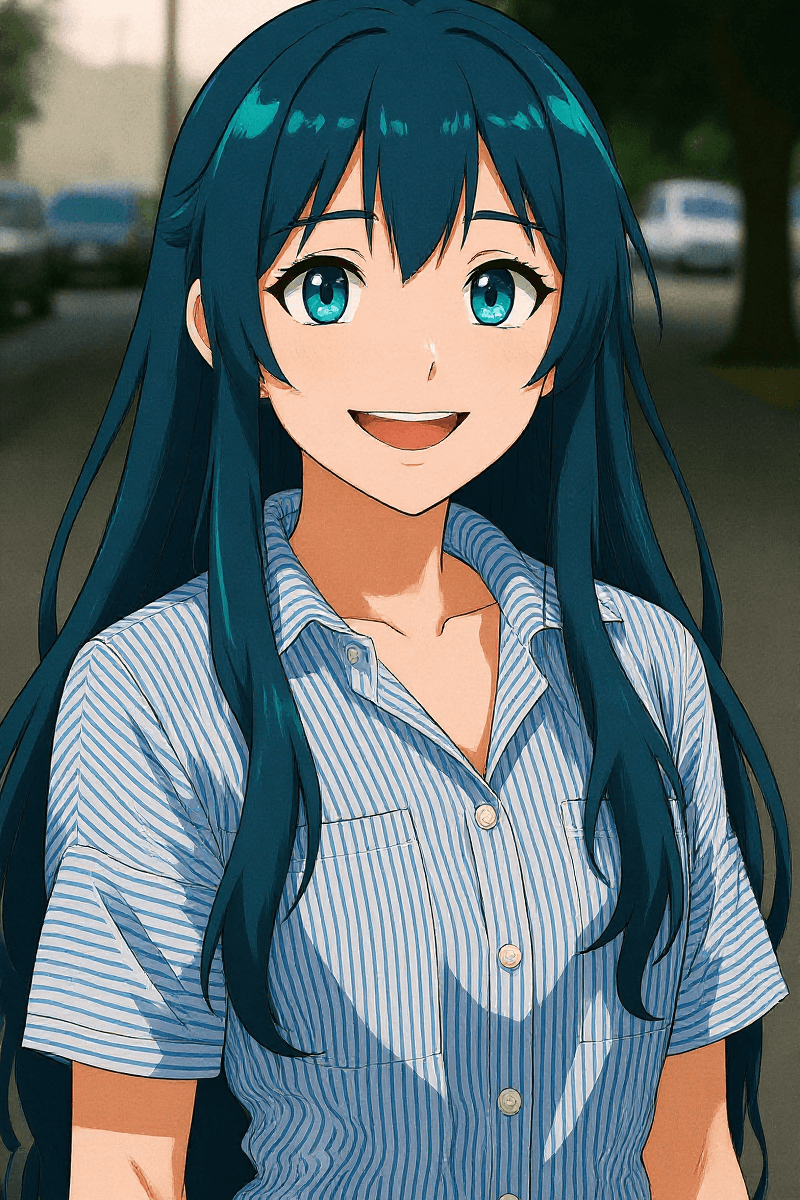
Ray3 Modify brings new Character Reference capabilities to workflows and features across Modify, Keyframes and Reference modes for deeper control over scene and shot progression with character continuity.
Feature info:
Included in | All Dream Machine paid subscriptions |
Available on | Web and iOS |
Model | Ray3 Modify |
Input video size | Up to 100MB |
Output format Video-to-Video (V2V) | 540p, 720p and 1080p |
Max video length | Up to 10 seconds on Modify, 10 seconds max upload |
Relaxed Mode | Available with longer processing times |
What's the maximum length for videos uploaded to Ray3 Modify?
Currently, the maximum length for videos uploaded is 10 seconds. To create longer videos, take the last frame of the final 5 seconds of your clip and use it as a starting frame to extend.
Does Video to Video work in relaxed mode?
Yes, Video to Video does work in Relaxed Mode. However, please be aware that processing times will be significantly longer compared to using it in Fast mode.
Will Video to Video keep the original audio?
Yes.
Which formats are compatible with Video to Video?
Ray3 Modify is compatible with a wide range of common video formats, including but not limited to: .mp4 and .mov. For the best results, we recommend using high-quality source footage.
How many credits do Ray3 Modify use?
As a general guideline, a typical 5-second uses 840 credits, a 10-second Video uses 1680 credits.
Does the input video and reference image need to have matching aspect ratios?
No, You can use a different Aspect Ratio for a start frame and character reference. However, the video will be created.
Character Reference
What is Character reference?
Character reference is a technique for image and video generation that maintains consistent character appearance across multiple outputs.
Instead of generating a new interpretation of "a woman in a red dress" each time (which would create different faces, body types, and features), character reference lets you provide a reference image of a specific character. The AI then preserves that character's distinctive features, face, build, style, while placing them in new poses, scenes, or contexts.
What are the potential practical applications of Character reference?
Creating a video series with the same protagonist
Generating multiple scenes with consistent characters
Building narrative content where visual continuity matters
Maintaining brand mascots or specific character designs across assets
What are the best practices for Character reference with Modify Video?
When describing your scene, use natural, conversational language while being explicit about two key aspects: what needs to stay the same across frames (your character's appearance, the location, key objects) and what you want to change (movement, expressions, camera position).
How do I use the Character Reference feature with Keyframes?
You can apply a character reference using a beginning and/or end frame. This is especially helpful for scenes where the character's back is to the viewer or their appearance isn't clearly visible. This feature is also useful for precisely placing your character within a scene.
Character reference + v2v
Character Reference + Keyframes Character Reference + Image Modify