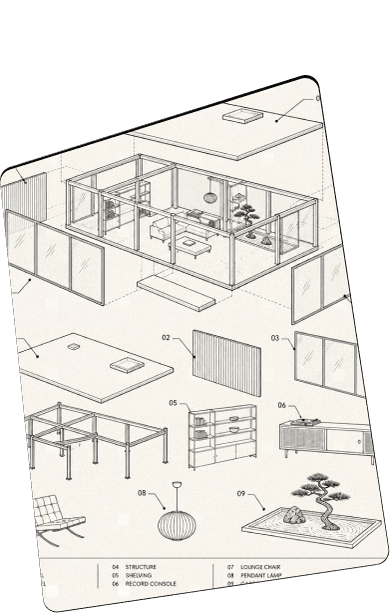
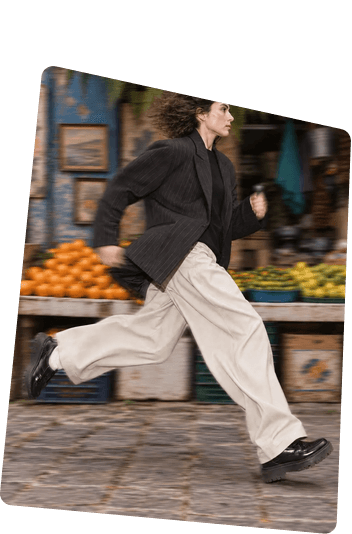
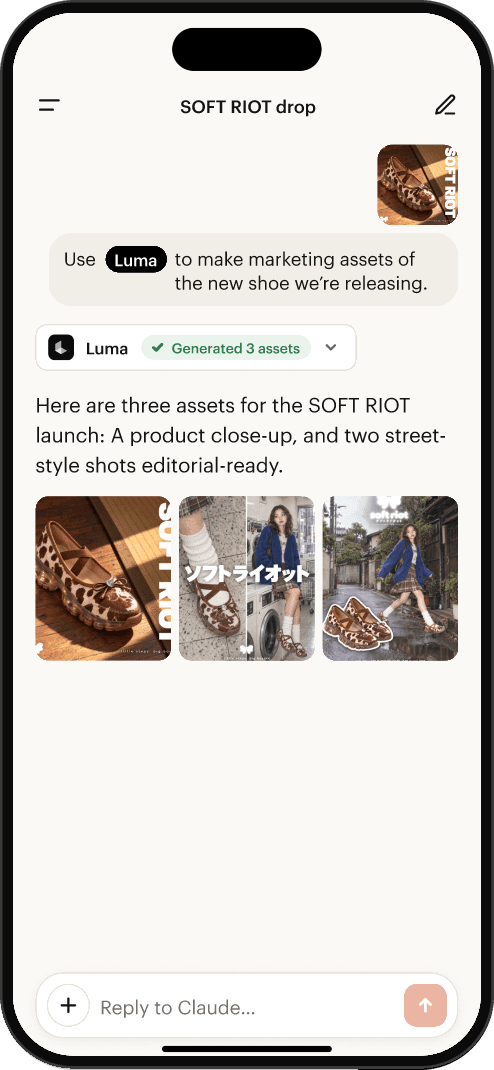
Luma product shots
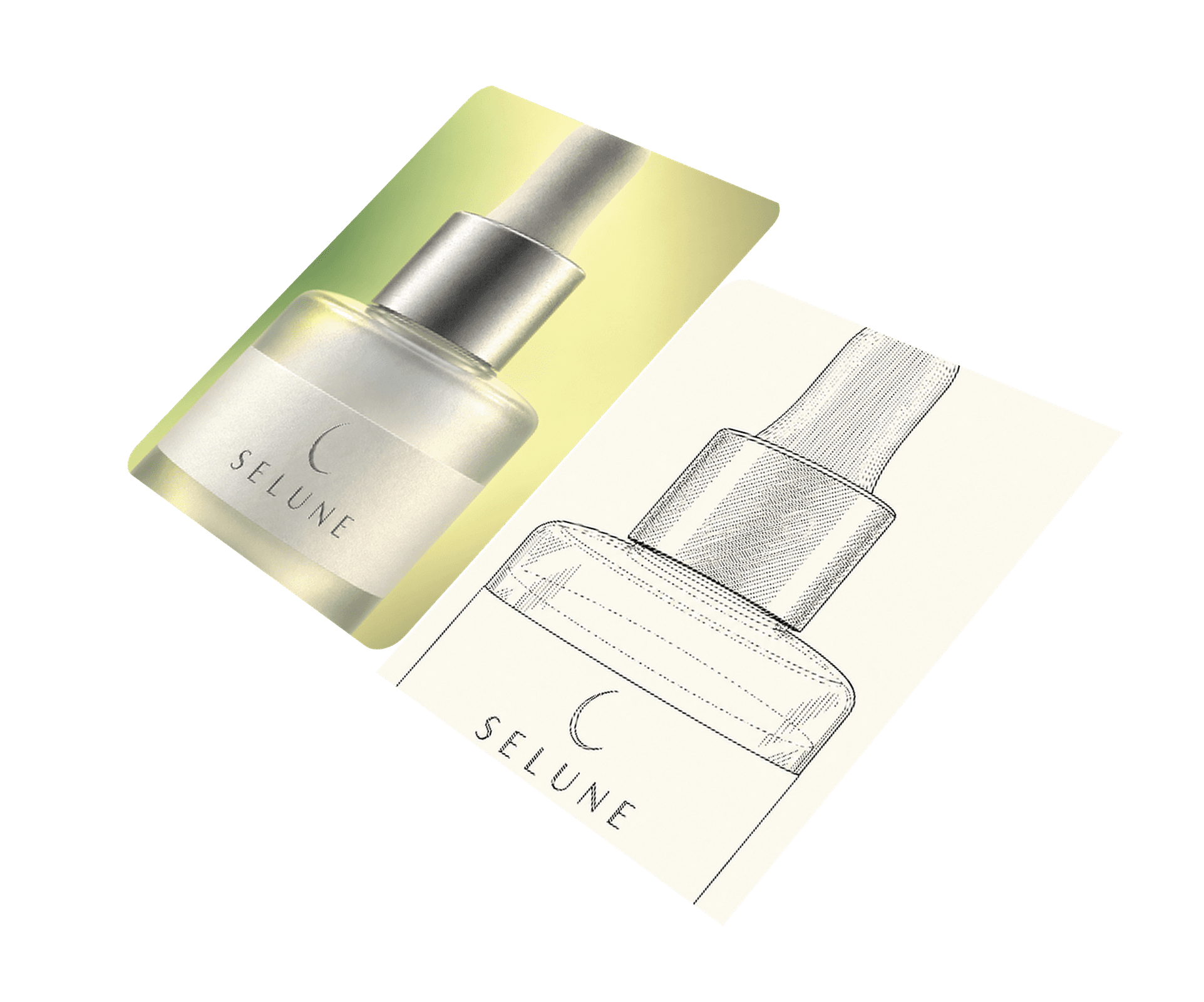
Puts your product in a new scene, lit and composed like a real shoot.
Start generating images and videos inside the chat where you already plan.
Add Luma once and it’s there in every chat.
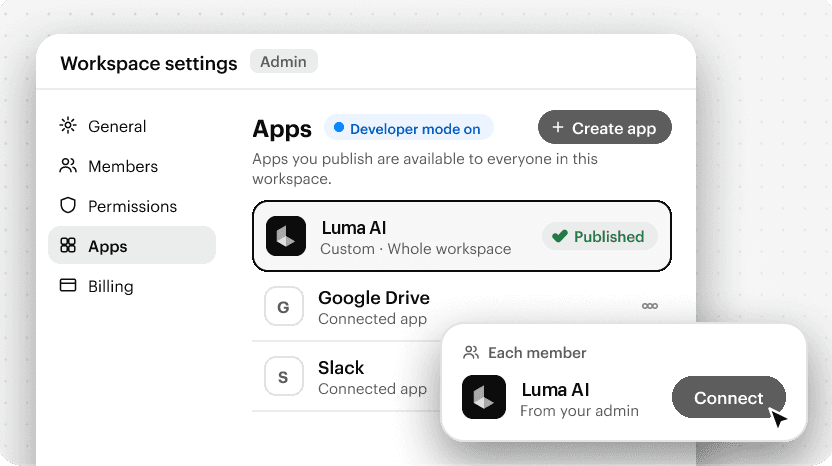
Click Add Luma AI to Claude. Claude’s connector window opens with the name and URL filled in. Click Add.
Add Luma AI to Claude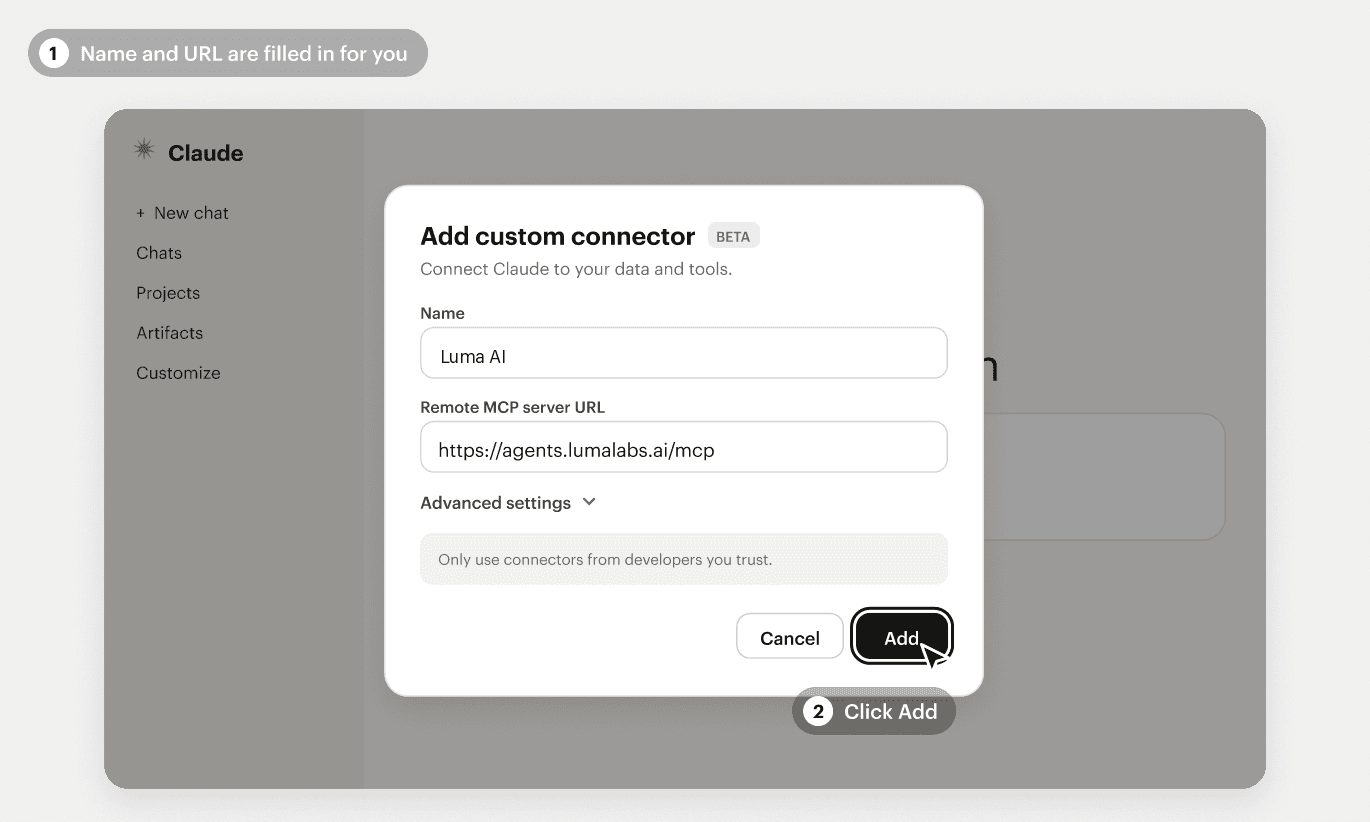
Your account owner or admin adds Luma AI for the whole workspace.
Then each person clicks Connect and signs in with their Luma account.
Once Luma is connected, ask for one of these workflows in Claude or ChatGPT.
Puts your product in a new scene, lit and composed like a real shoot.
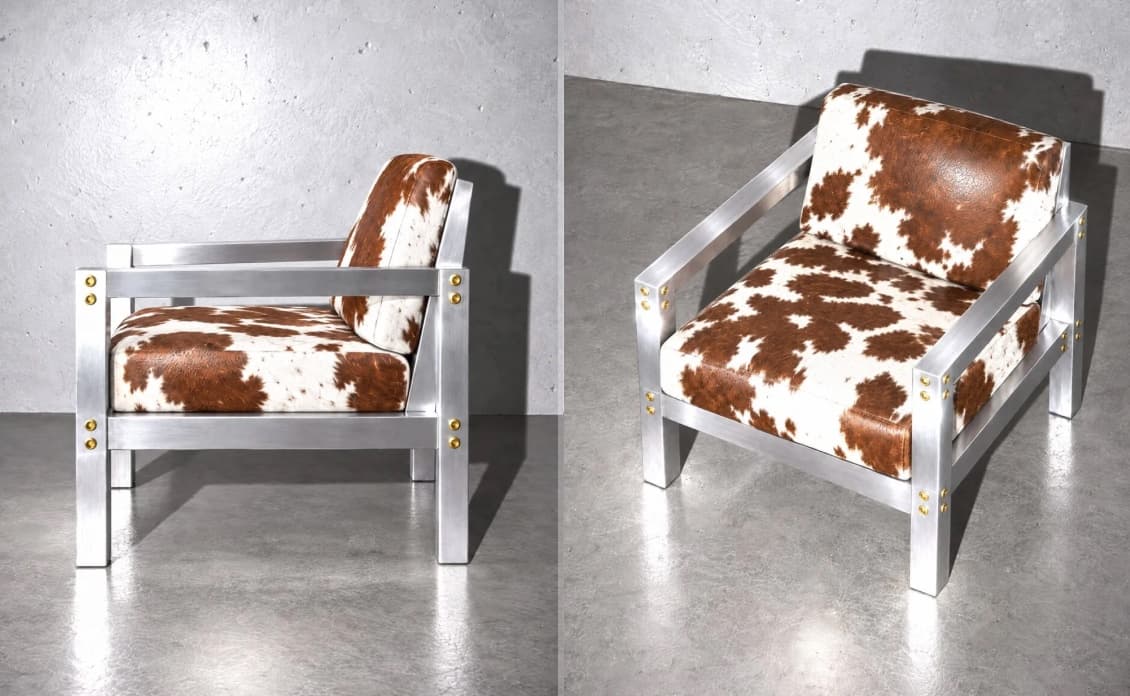
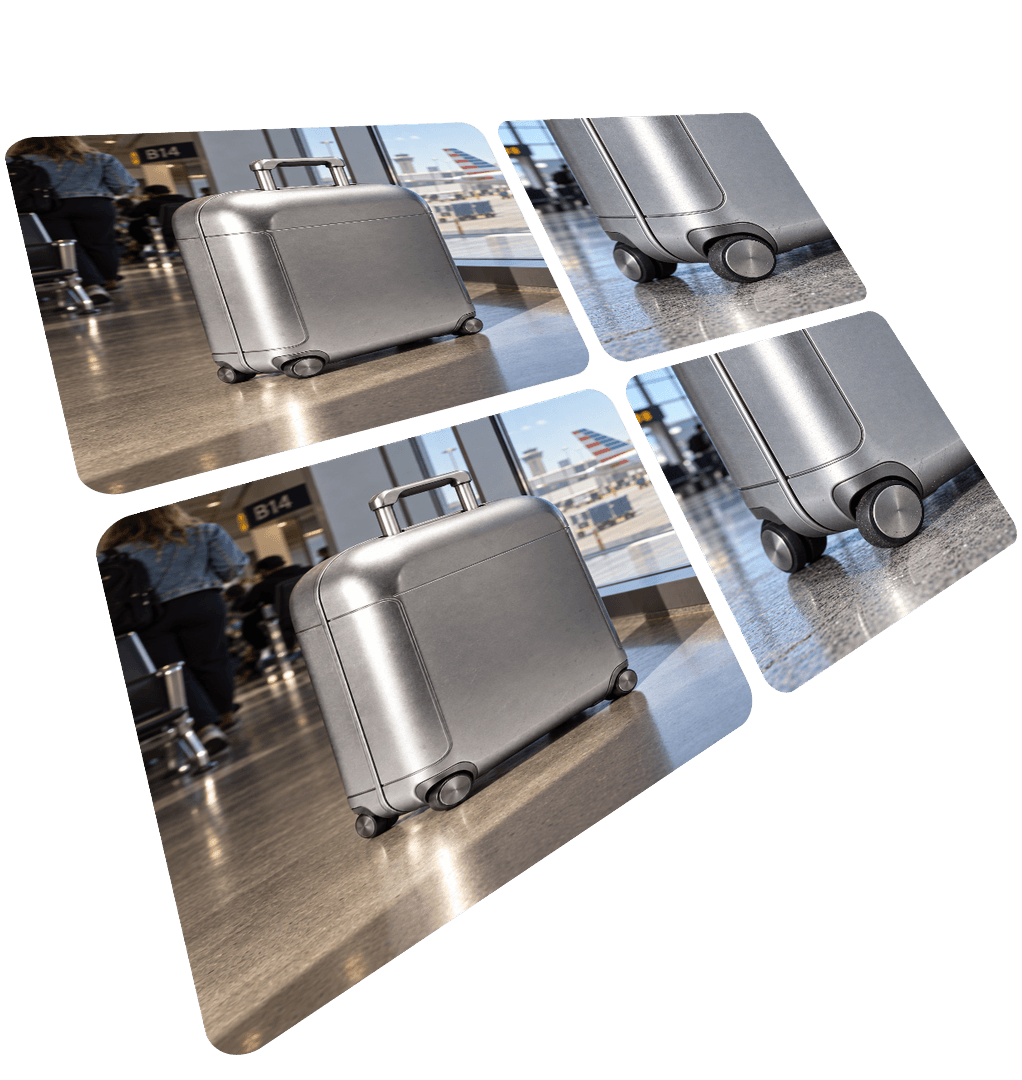
Creates new angles from the same shot, so one photo covers the whole carousel.
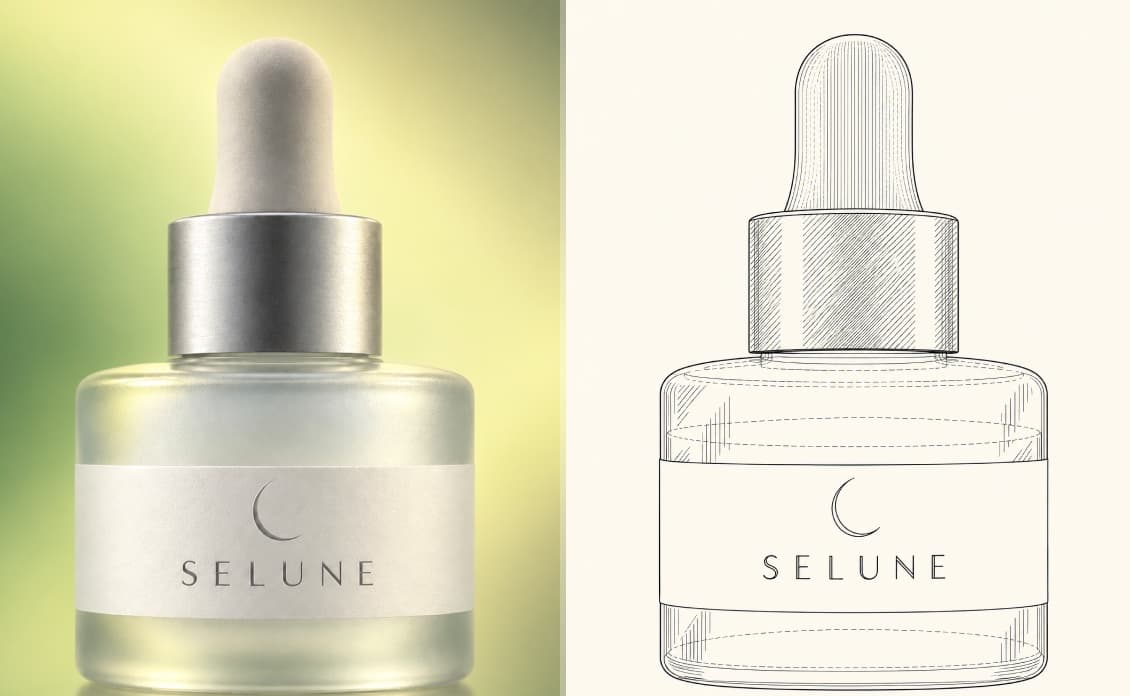
Add style references that share one art style. Then restyle your own image in that style, or describe a new image.
Replaces the background and keeps your product exactly as it is.
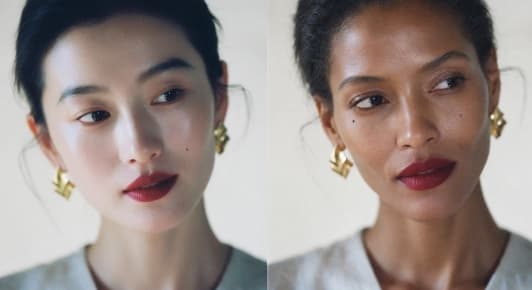
Replace one or more faces in the base image while keeping the pose, composition, and the rest.
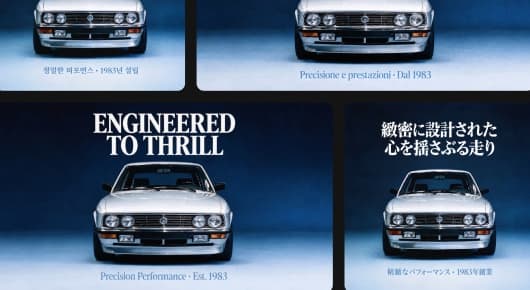
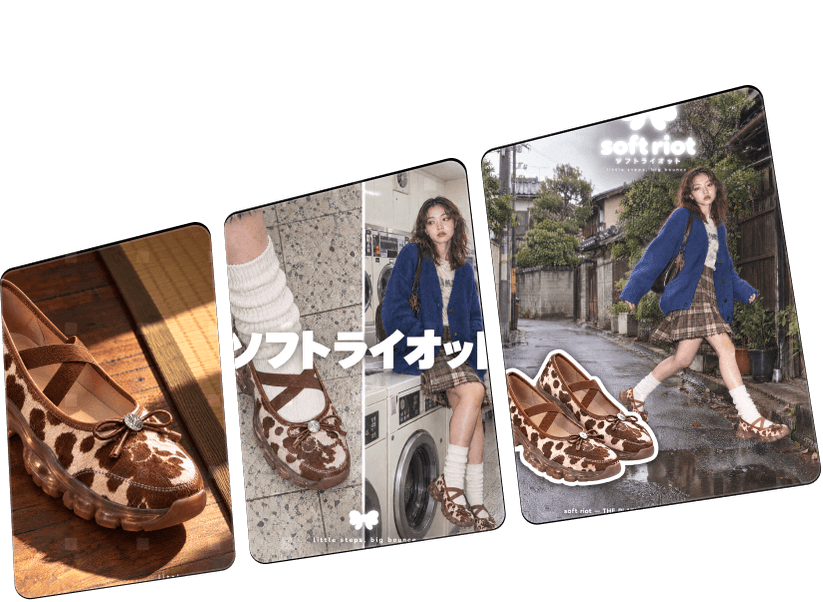
Turn one ad into every size and language you need.

Re-shoot new camera angles from one take.

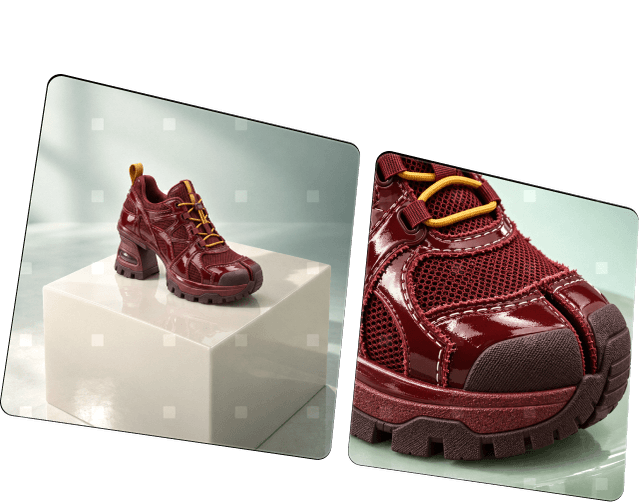
Changes the lighting and mood.
The words you’ll see when you set up Luma and use it in chat.