MiniMax H3 Prompt Guide
July 30, 2026
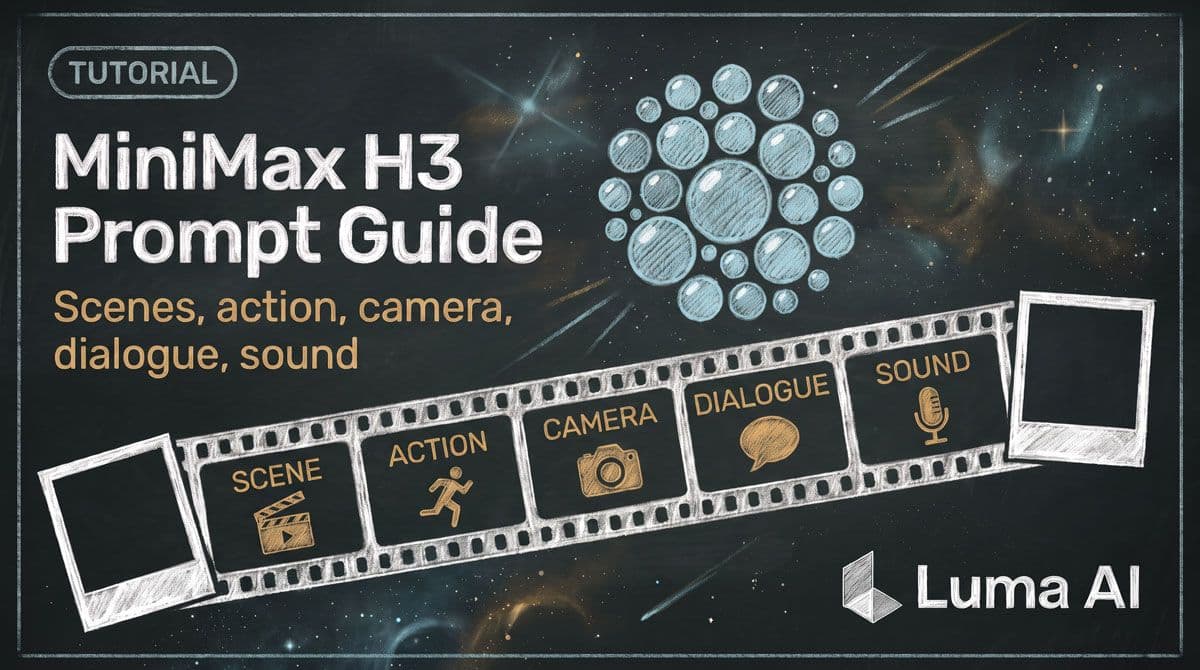
How to prompt MiniMax H3
A strong H3 prompt describes a video as a sequence of visible and audible events.
Instead of only describing a subject and a style, think through three layers:
What happens on screen → what happens in the soundscape → what music accompanies it.
This mirrors the structure MiniMax uses in its own H3 prompting system and helps give the model enough information to coordinate visuals, motion, dialogue, sound, and music.
1. Establish the scene
Start by defining the visual world.
Include the most important details about:
- visual style
- subject
- environment
- composition
- lighting
- important objects
For example:
Live-action cinematic footage. A young woman sits alone beside the window of a nearly empty train at night. Cool fluorescent light fills the carriage while blurred city lights pass outside.
You do not need to describe every visible object. Focus on details that should stay recognizable or influence what happens next.
2. Describe observable action
Next, describe what actually changes during the clip.
A folded letter rests in her hands. She slowly opens it, reads the first line, then raises her gaze toward the passing city.
Concrete actions give H3 a path through time.
When possible, describe physical changes rather than abstract intentions. “She tightens her grip on the letter and looks away” gives the model something more visible to generate than “she becomes emotional.”
3. Direct the camera when it matters
H3 understands common camera language including push, pull, pan, truck, tilt, tracking, arc, static shots, camera shake, POV, and roll. MiniMax's prompting guide recommends thinking about camera motion in terms of the movement itself, its range, and its speed.
For example:
The camera slowly pushes toward the letter in her hands.
The camera tracks beside her as she walks through the station.
The camera rapidly pans right to reveal the approaching train.
Treat camera direction as part of the scene rather than a list of technical tags.
4. Use cuts intentionally
If the video needs multiple shots, introduce a cut when the next shot reveals genuinely new information.
For example:
An establishing shot follows her through the crowded station. The scene cuts to a close-up as she stops and unfolds the letter.
If the only change is moving slightly closer or viewing the same action from a nearby angle, a camera move may be simpler than adding another shot.
H3 was trained with native multi-shot modeling, so a prompt can describe a sequence rather than forcing every idea into a single continuous composition.
5. Treat dialogue as part of the performance
Dialogue can be included directly in the scene description.
For example:
She glances toward the empty seat beside her and quietly says, ‘You would have liked this place.’
Include useful delivery information when it matters:
She says it softly, with a low, slightly breathy voice.
Keep the actual line concise enough to fit comfortably within the clip. The visual performance, spoken line, and surrounding action all need time to happen.
6. Describe the soundscape
Next, think about sounds that belong inside the physical scene.
For example:
Train wheels produce a steady metallic rhythm. Rain taps against the window. Paper rustles quietly as she unfolds the letter.
Useful soundscape details include footsteps, wind, fabric, machinery, impacts, room tone, traffic, breathing, water, crowds, doors, or object interaction.
Tie important sounds to the actions that create them.
7. Add music separately
If you want a score that exists for the audience rather than inside the scene, describe it separately from physical sound.
For example:
Sparse piano at a slow tempo, joined by sustained low strings. The music gradually decreases in volume toward the final frame.
MiniMax recommends describing concrete musical qualities such as instrumentation, tempo, rhythm, and dynamic change instead of relying entirely on abstract mood words.
Prompt example
Live-action cinematic footage. A woman in her late twenties sits beside a rain-covered train window at night, holding a folded handwritten letter. Cool carriage lighting contrasts with warm city lights moving outside.
She slowly unfolds the letter and begins reading. The camera gently tracks to the right as her reflection moves across the wet glass. She pauses, raises her eyes toward the city, and quietly says, ‘I get off at the next station.’ She folds the letter again along the existing crease.
Train wheels create a steady metallic rhythm beneath a low ventilation hum. Rain taps against the window and the paper softly rustles in her hands.
Sparse piano notes play at a slow tempo with sustained cello underneath, gradually fading toward the end.
When you're starting from an image
Treat the image as the established opening state.
Preserve the important identity, clothing, environment, composition, and objects from the image, then describe what starts changing.
A useful pattern is:
Opening image → first movement → continued action → final reaction.
When you're using first and last frames
Do not simply describe both images.
Describe the motion that connects them.
Think through:
Starting state → intermediate physical changes → approach toward the final composition → ending state.
This is also the pattern recommended in MiniMax's official H3 prompt guide.
A helpful reminder
Every instruction competes for time inside a short clip.
If you ask for four camera moves, three character actions, two lines of dialogue, a transformation, and several cuts, the model has to compress all of them into the available duration.
Prioritize the moments that matter most.
Key takeaway
Write H3 prompts as audiovisual timelines.
Establish the scene, describe the actions in order, direct the camera where necessary, and make sound and music explicit. The clearer the sequence of events is, the easier it is for H3 to understand the video you are trying to create.