How to Prompt Seedance 2.0
May 23, 2026
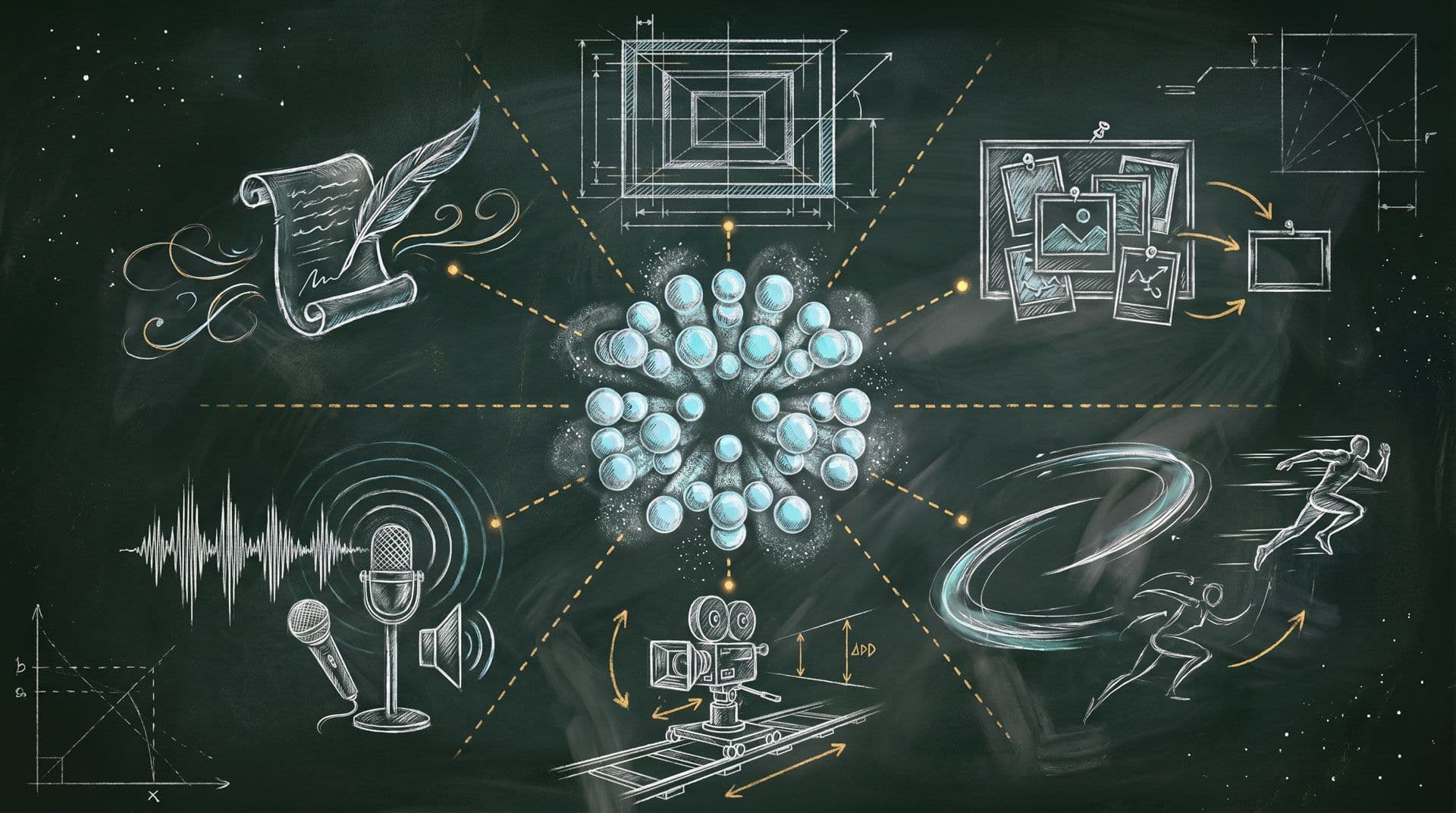
How to Prompt Seedance 2.0: Structure, References, Motion, Camera, Audio, and Text
Good Seedance 2.0 prompting is less about writing a long prompt and more about writing a clear creative brief.
A useful prompt tells the model what the subject is, what should happen, where it happens, how the camera moves, what the lighting feels like, what style to use, and how any uploaded references should shape the result.
The goal is not to describe everything. The goal is to describe the right things.
The universal prompt formula
A reliable Seedance 2.0 prompt usually includes six ingredients:
[Subject with specific detail]
+ [One concrete action beat]
+ [Environment or setting]
+ [One camera movement with framing]
+ [Lighting source and mood]
+ [Style or aesthetic]
A more advanced version can add timing, transitions, text overlays, audio, and reference assignments:
[Subject/Character]
+ [Scene/Environment]
+ [Action/Motion]
+ [Camera Movement]
+ [Timing]
+ [Transitions/Effects]
+ [Audio/Sound Design]
+ [Style/Mood]
+ [Reference Instructions]
You do not need every element every time. But you should always include the subject and motion. Those are the minimum ingredients for a useful video prompt.
A simple but strong prompt could be:
A luxury watch rotates slowly on a black marble surface.
Light rays catch the polished steel bezel, creating sparkle reflections.
Extreme close-up macro shot with a smooth 360-degree orbit.
Soft studio lighting with a dark gradient background.
High-end commercial style, crisp details, premium mood.
This works because it gives the model a clear subject, action, surface, lighting, camera path, style, and mood.
How to write better subjects
The subject is the anchor of the video. It tells the model what the viewer should focus on.
Weak subjects are generic:
A woman.
A car.
A product.
A city.
Strong subjects are specific:
A young woman with flowing auburn hair wearing a red silk dress.A vintage blue motorcycle with chrome details and worn leather seats.A luxury skincare bottle with frosted glass and a gold pump.A neon-lit city street at night with wet pavement and steam rising from vents.
Specific subjects give Seedance 2.0 more visual information to work with. The more concrete the subject, the easier it is for the model to maintain consistency.
For products, mention material, shape, logo position, color, surface texture, and design details. For characters, mention outfit, silhouette, hairstyle, posture, and visual style. For environments, mention location, weather, lighting, atmosphere, and time of day.
How to write stronger motion
Seedance 2.0 is a video model, so motion matters. A beautiful subject with no action can produce a static or underwhelming clip.
Good motion is concrete and visible.
Instead of:
The character moves.
Write:
The character slowly raises their gaze toward the camera while wind moves strands of hair.
Instead of:
The product is shown.
Write:
The product floats upward, rotates 180 degrees, and settles into center frame as light glints across the logo.
Instead of:
The city looks cinematic.
Write:
Rain falls onto the pavement as the camera glides forward through neon reflections and passing headlights.
Motion should usually focus on one main action beat. Too many actions in a short clip can make the generation feel rushed or incoherent.
Match complexity to duration
One of the most common mistakes in Seedance 2.0 prompting is asking for too much in too little time.
A 4-second clip should usually contain one subject, one action, one camera movement, and one mood.
Example:
A ceramic perfume bottle sits on a reflective black surface.
The bottle slowly rotates as soft light sweeps across the glass.
Macro close-up, smooth orbit camera, luxury commercial style.
A 10–15 second clip can support a more structured sequence:
0-3s: Wide shot of a neon-lit city street at night, rain reflecting signs on the pavement.
3-6s: Medium shot of a detective stepping out of a car in a trench coat.
6-10s: Close-up of their eyes scanning the street, rain dripping from the hat brim.
10-15s: Over-shoulder shot moving toward a flickering bar sign.
Noir style, high contrast, moody blue-orange palette.
The rule is simple: shorter clips need simpler ideas. Longer clips can handle more stages.
Camera vocabulary Seedance 2.0 understands
Camera instructions are one of the best ways to make Seedance 2.0 outputs feel intentional. Instead of saying “cinematic camera,” use specific camera language.
Useful terms include:
- Slow dolly-in: camera moves toward the subject
- Dolly-out: camera pulls away
- Orbit shot: camera circles the subject
- Tracking shot: camera follows the subject laterally
- Push-in: camera moves forward into the scene
- Pull-back reveal: camera pulls wider to reveal context
- Crane up: camera rises vertically
- Low-angle tilt up: camera looks upward from below
- Handheld: slight shake, documentary feel
- Steadicam: smooth continuous motion
- Whip pan: fast horizontal snap
- Hitchcock zoom: dolly out plus zoom in
- First-person POV: camera sees through a character’s eyes
- Rack focus: focus shifts from foreground to background
Camera movement should not conflict with itself. Avoid asking for a fast zoom-in and a slow dolly-out at the same time unless you are intentionally describing a Hitchcock zoom. Keep the camera direction coherent.
A strong camera line looks like:
Slow dolly-in from medium shot to close-up, shallow depth of field, subject centered.
Or:
Smooth orbit camera around the product, starting from a low macro angle and ending in a centered hero frame.
Working with image references
Image references are useful when you need the model to preserve identity, design, composition, or style.
You can use images for:
- Character references
- Product references
- Logo references
- Multi-subject references
- Storyboard frames
- Style boards
- First-frame control
- Multi-angle subject understanding
For character or product consistency, provide clean, well-lit images. Multiple angles are helpful because they give the model a better sense of the subject’s full form.
Example:
Use @Image1 for the product’s front view.
Use @Image2 for the side profile.
Use @Image3 for the logo and material detail.
Generate a premium product video where the product rotates slowly on a reflective black surface.
Keep the product shape, logo placement, and material consistent across the full clip.
For multiple characters:
@Image1 is Character A.
@Image2 is Character B.
Character A hands a glowing object to Character B in a quiet forest clearing.
Medium two-shot, slow push-in, moonlit atmosphere, fantasy film style.
Maintain both characters’ appearances clearly and separately.
For storyboard references:
Use @Image1 through @Image4 as storyboard frames in sequence.
Generate a continuous video transitioning through each frame.
Maintain character consistency, lighting continuity, and cinematic pacing.
The key is to label each image and assign its purpose.
Working with video references
Video references are powerful because they can guide motion, camera movement, effects, and continuity.
You can use video references for:
- Action choreography
- Dance movement
- Athletic motion
- Gestural performance
- Product interaction
- Camera path replication
- Drone movement
- Transition effects
- VFX style
- Video extension
- Editing an existing clip
If you want the model to copy movement but not copy the subject, say that clearly.
Example:
Use @Video1 as the motion reference only.
Apply the same dance choreography and rhythm to the character from @Image1.
Do not copy the original dancer’s appearance, clothing, or background.
Urban street background with neon lights.
Medium-wide tracking shot, high-energy music video style.
If you want the camera movement copied:
Use @Video1 as the camera movement reference.
Use @Image1 as the new subject.
Keep the camera movement, pacing, and framing from @Video1, but replace the subject with the product from @Image1.
Cinematic lighting, natural motion, premium commercial style.
If you want effects copied:
Reference @Video1 for the particle effect and transition style.
Apply the same glowing dust transformation to the character from @Image1.
Keep the background as a dark studio environment with dramatic rim lighting.
The more specific you are about what to copy and what not to copy, the better the result.
Working with audio references
Audio can shape timing, rhythm, dialogue, lip-sync, and mood.
Use audio references for:
- Background music
- Beat-synced edits
- Voiceover
- Dialogue
- Lip-sync
- Sound design
- Mood and pacing
For music-driven videos:
Use @Audio1 for the music track.
Sync visual cuts to the beat of @Audio1.
Each downbeat triggers a new camera angle.
High-energy montage of urban dancers, fast cuts on downbeats, slow motion during the bridge.
For lip-sync dialogue:
Use @Image1 as the character’s appearance.
Use @Audio1 for the dialogue track.
The character speaks directly to camera with lips synced to @Audio1.
Medium close-up, soft indoor lighting, natural conversational tone.
Subtle head movements and realistic facial expression.
Audio instructions are often overlooked, but Seedance 2.0 can generate richer outputs when you describe sound effects, music mood, narration, or dialogue behavior.
Text in video
Seedance 2.0 can render text directly inside video. This is useful for ads, social content, product videos, educational clips, and dialogue-driven videos.
There are three main text types:
Title or slogan text
Use this for hero messaging, campaign lines, and ad copy.
Example:
Text appears at center: “DREAM BIGGER” in bold white sans-serif.
It fades in at 2 seconds and holds for 3 seconds.
Subtitles
Use subtitles for narration or dialogue.
Example:
Subtitles appear at bottom of screen, synced with narration in @Audio1.
White text with black outline for readability.
Speech bubbles
Use speech bubbles for stylized character dialogue.
Example:
The character says “Hello!” with a speech bubble near their mouth.
Cartoon style, rounded white bubble, playful mood.
For best results, specify what the text says, where it appears, when it appears, how long it stays, and what it should look like.
A helpful reminder
A Seedance 2.0 prompt is strongest when every phrase has a clear purpose. Use the subject to define the focus, motion to define the action, camera language to define the viewing experience, references to preserve or transfer specific details, and audio or text instructions to shape the final presentation.
Key takeaway
Seedance 2.0 prompting works best when you write like a director. Be specific about the subject, concrete about the motion, intentional with the camera, explicit with references, and realistic about what can fit inside the selected duration.