How to Build a Brand Identity with AI
Brand identity work used to mean weeks of discovery sessions, moodboards, and back-and-forth before a single asset existed. Luma AI compresses that cycle — from brief to a full set of logos, color systems, typography pairings, and brand imagery — into a single working session. Tell the agent what you're building. Come back to multiple options.
Luma AI builds brand identity systems by generating compositionally and stylistically distinct visual directions from a single brand brief. Luma produces logo concepts, color palettes, typography pairings, brand photography direction, and motion identity assets in parallel, not sequentially. The agent holds your brand parameters in shared context across every output is built from the same source of truth.
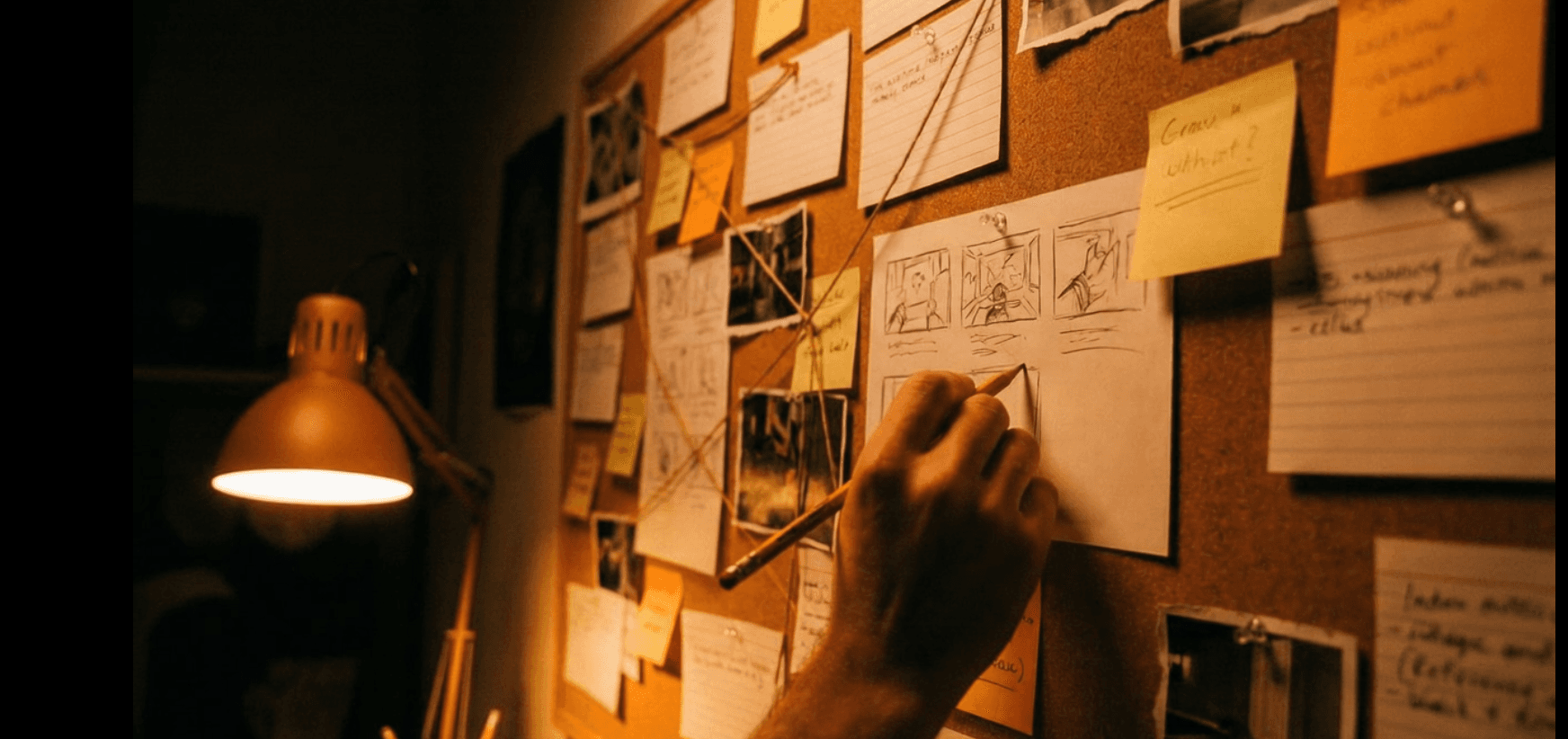
How Luma Builds Brand Identity
Build A Brand Identity with AI
How to Do It
- Write your brand brief. Describe the brand: what it does, who it's for, what it should feel like, and what it should never look like. Include the competitive set — brands you want to differentiate from — and any hard constraints (existing brand colors, required mark types, industry context). Luma AI uses the brief as the shared context layer for every asset it generates, so specificity here determines consistency across all outputs.
- Iterate on the tone before generating: The tighter the brief is on kind of audience connection and differentiation you want for your brand, Luma can help create a tighter, more usable identity system.
- Generate your visual directions. Luma AI will produce multiple brand directions from the brief — each with its own logo concept, color palette, and typographic pairing. These are not variations of a single design; each direction represents a different strategic interpretation of the brief: one might prioritize authority and legibility, another warmth and approachability, a third minimal modernity. Luma AI generates each visual direction as a coherent system — logo, palette, and type are built together rather than assembled as independent outputs — so every direction is presentation-ready, not a collection of parts.
- Extend the chosen direction into brand assets. Once a direction is selected, prompt the agent to extend it into the full asset set: brand imagery, iconography, social templates, motion identity, and environmental applications. A specific prompt gives Luma AI the scene parameters, audience context, and visual exclusions needed to produce imagery.
- Vague: "Make some brand images for a wellness brand."
- Specific: "Generate brand photography for a functional wellness supplement brand targeting 30–45-year-old urban professionals. Palette is warm sand and deep forest green. Tone is calm and clinical — not soft or spiritual. Environments are clean home interiors and minimal outdoor settings. No yoga mats, no candles, no crystals."
5. Iterate on the identity options. Go broad through multiple iterations before honing in on 2–3 brand directions. Luma AI produces 8–12 distinct visual directions — giving the creative director a chance to explore ideas. Luma AI produces on one board so you can eliminate, combine, or fine-tune your brand ideas.
6. The output — Luma AI assembles the approved directions into a structured brand output: logo files, color system documentation, type specifications, and the full asset library. Export formats include SVG and PNG for logo marks, MP4 for motion identity, and image files sized for digital and print applications. Luma AI organizes outputs by application — logo variants, color codes, and asset files.Color palettes include hex, RGB, and CMYK values. Brand imagery is sized and formatted for immediate use across digital channels. Logo marks are production-ready vector files.

Why use AI to build a brand identity?
The limiting factor in most brand identity projects is not strategic clarity — it's the production cost of visually exploring the direction that strategy provides. Every logo direction, every color exploration, every type pairing is a production task. Luma AI eliminates that bottleneck, not the production. With Luma AI, a single strategy brief generates variations of moodboard, logo directions, color systems, and type pairings in one session. The creative director can review multiple options quickly, before the team refines to a complete identity system.
FAQs
- Do I need existing brand assets to start a brand identity project in Luma AI? No existing assets are required. Luma AI generates a complete brand identity system from a written brief alone — logo, color palette, type system, and brand imagery are all produced from text input. If you have existing assets (a wordmark, a color system, a brand guide), Luma AI can use them as anchors to extend the identity rather than rebuild it from scratch.
- How specific does my brand brief need to be? The brief is the primary variable in output quality. "A wellness brand" produces generic visual directions. "A functional supplement brand for urban professionals aged 30–45, warm and clinical in tone, differentiating from soft spiritual wellness aesthetics" gives Luma AI the parameters to produce a specific, differentiated system. Treat the brief as a strategic document, not a product description — audience, tone, competitive differentiation, and visual exclusions all matter.
- What file formats does Luma AI export for brand identity assets? Luma AI exports logo marks as SVG and PNG files, color systems with hex, RGB, and CMYK values, motion identity as MP4 files, and brand imagery as image files sized for digital and print applications. All exports are organized by asset type and application, not as a flat collection of files.
- Can Luma AI maintain brand consistency across multiple campaigns or markets? The aim of Luma AI is to hold the brand parameters from the original identity brief in shared context, so every subsequent asset — campaign imagery, social templates, motion graphics, localized variants — is generated against the same visual system.
- How many logo directions does Luma AI generate per session? There is no fixed limit on the number of directions per session. Most brand identity sessions produce 8–12 distinct logo directions, each paired with a color palette and typographic system. The number of directions is determined by the brief parameters and the number of strategic interpretations the agent identifies — not by a preset output count.
- Can I use Luma AI to extend an existing brand identity rather than build a new one? Yes. Upload your existing brand guide, logo files, and asset library as inputs, then brief the agent on what you need to extend — a sub-brand, a campaign identity, a new product line, or a new market variant. Luma AI generates the new assets within the parameters of the existing system rather than generating a new system from scratch.
- How does Luma AI handle brand identity for regulated industries like finance or healthcare? Luma AI generates within the parameters you define in the brief, including regulatory and category constraints. Specify the constraints explicitly — "no clinical imagery," "no comparative claims in visual context," "must meet WCAG AA contrast ratios" — and the agent applies them across all outputs. Teams in regulated industries should include compliance constraints in the brief the same way they would include tone or audience parameters.
- Is Luma AI brand identity output ready for production use, or does it require additional design work? Logo marks export as production-ready vector files. Color systems include all print and digital color values. Brand imagery exports at production resolution. Most teams use the Luma AI output directly in production for digital channels and pass the vector files to a print production team for physical applications without additional design work.
- Who uses Luma for Brand Identity work? Brand and identity agencies use Luma AI to move from 2–3 logo directions per client presentation to 8–12, giving clients a real decision surface and reducing the number of revision rounds from an average of 4 to 1–2. In-house brand teams at growth-stage companies use Luma AI to build a full identity system — logo, color, type, photography direction, and motion identity — in a single sprint rather than across a 6–8 week agency engagement.