---
title: "AI Video Thumbnail Generator for Social Media"
description: "Capture high-res thumbnails from AI videos with Luma AI. Create click-worthy visuals for YouTube, Instagram and TikTok with no editing tools needed."
canonical: "https://lumalabs.ai/create/ai-video-snapshots-for-social-media-thumbnails"
source: "https://lumalabs.ai/create/ai-video-snapshots-for-social-media-thumbnails.md"
---

# AI Video Snapshots for Social Media Thumbnails

In a fast-scrolling world, thumbnails are the moment of truth. They determine whether your content gets noticed or ignored.

[Generate Video Thumbnails with Luma AI](https://app.lumalabs.ai/)

![Astronaut in space](https://cdn.sanity.io/images/2ylxvaa2/production/a74379199467b98fc782682fda314dade36299aa-1328x748.png?w=2048&fm=webp&q=75&fit=max)

## Why AI Snapshots Are Game-Changing for Social Media

Your video might be amazing, but without an eye-catching thumbnail, no one clicks. Auto-generated frames often miss the moment, while manual editing slows you down. Luma AI solves this with AI-generated video snapshots that capture emotion, action, and brand energy in a single frame.

**Key Benefits:**

- Choose cinematic moments from any video
- Export high-quality frames for use as thumbnails or social covers
- Save time, no screenshots, no third-party tools
- Maintain visual consistency with your video content
- Perfect for YouTube, Instagram, LinkedIn, TikTok, or email headers

![a snowglobe](https://cdn.sanity.io/images/2ylxvaa2/production/80bb53621ed68ee20d243b0c62958cbd71daee74-1328x744.png?w=2048&fm=webp&q=75&fit=max)

## How to Extract Snapshots from Luma AI Videos

**Step 1:** Generate Your Video

Create a cinematic video using Luma AI’s Dream Machine from a prompt, image, or script.


**Step 2:** Scrub to the Perfect Frame

Use Luma’s playback interface to find the most expressive, compelling visual moment in the video.


**Step 3:** Export a High-Quality Snapshot

Click to download a frame-accurate still that’s ready for use as a thumbnail or cover image on any platform.

![How Luma AI Powers Recruitment Video Creation](https://cdn.sanity.io/images/2ylxvaa2/production/3cf10ccb08c8239c1d5dea56f5ee02929ce28c18-2830x1450.png?w=2048&fm=webp&q=75&fit=max)

[Start Capturing Your AI Thumbnails Today](https://app.lumalabs.ai/)

## Best Use Cases for AI Video Snapshots

### YouTube Thumbnails

Hook your audience with cinematic preview images pulled from your Luma AI-generated content, no extra editing needed.

![grandma knitting a sweater](https://cdn.sanity.io/images/2ylxvaa2/production/98658c11284272a0a47e4b835749f999215e0d41-1920x1080.png?w=2048&fm=webp&q=75&fit=max)

### Instagram & TikTok Covers

Generate scroll-stopping preview images that match the emotion and tone of your Reels or TikTok.

![A model blowing a kiss into the camera. Pastel tones](https://cdn.sanity.io/images/2ylxvaa2/production/61d563d4480e2e08f2bffb8f99e9d26ccd43f07a-1330x748.png?w=2048&fm=webp&q=75&fit=max)

### Email Thumbnails

Embed high-quality video stills into newsletters or product announcements to boost open rates and engagement.

![A woman filming a live video next to her ring light](https://cdn.sanity.io/images/2ylxvaa2/production/8d3dae75e7303ff0c261cd2ec0006b02524d0a7f-1318x730.png?w=2048&fm=webp&q=75&fit=max)

### E-Commerce Listings

Use expressive video frames as featured images for new product launches or collection pages.

![a cinematic character intimate closeup](https://cdn.sanity.io/images/2ylxvaa2/production/215a43fd64ba7cea304a6a407b0e1e8785ccbe5e-1324x746.png?w=2048&fm=webp&q=75&fit=max)

### Ad Previews

Build consistent ad creatives by using thumbnail images extracted directly from the promotional video.

![macro closeup of a bee pollinating](https://cdn.sanity.io/images/2ylxvaa2/production/c088b381d6df67406ac25420df2c5731948eca63-1320x738.png?w=2048&fm=webp&q=75&fit=max)

## Why Choose Luma for Thumbnail Creation?

Unlike generic video tools or screenshot workarounds, Luma AI lets you extract professionally lit, motion-enhanced thumbnails right from the source video. It’s fast, elegant, and integrated.

- Frame-by-frame accuracy for maximum creative control
- AI-enhanced visuals, lighting, motion, and style baked in
- No Photoshop or editing software required
- Works across vertical, square, and widescreen formats
- Keeps brand tone aligned across videos and thumbnails

Luma AI makes thumbnail creation part of your video workflow, not an afterthought.

![A violinist performing on a rainy street at night, amber streetlights illuminating her and the violin, gentle rain falling around her and she is wet](https://cdn.sanity.io/images/2ylxvaa2/production/65ca52160bce5208531d8af3e80b617808145eee-1326x742.png?w=2048&fm=webp&q=75&fit=max)

## Luma Tools That Support Snapshot Creation
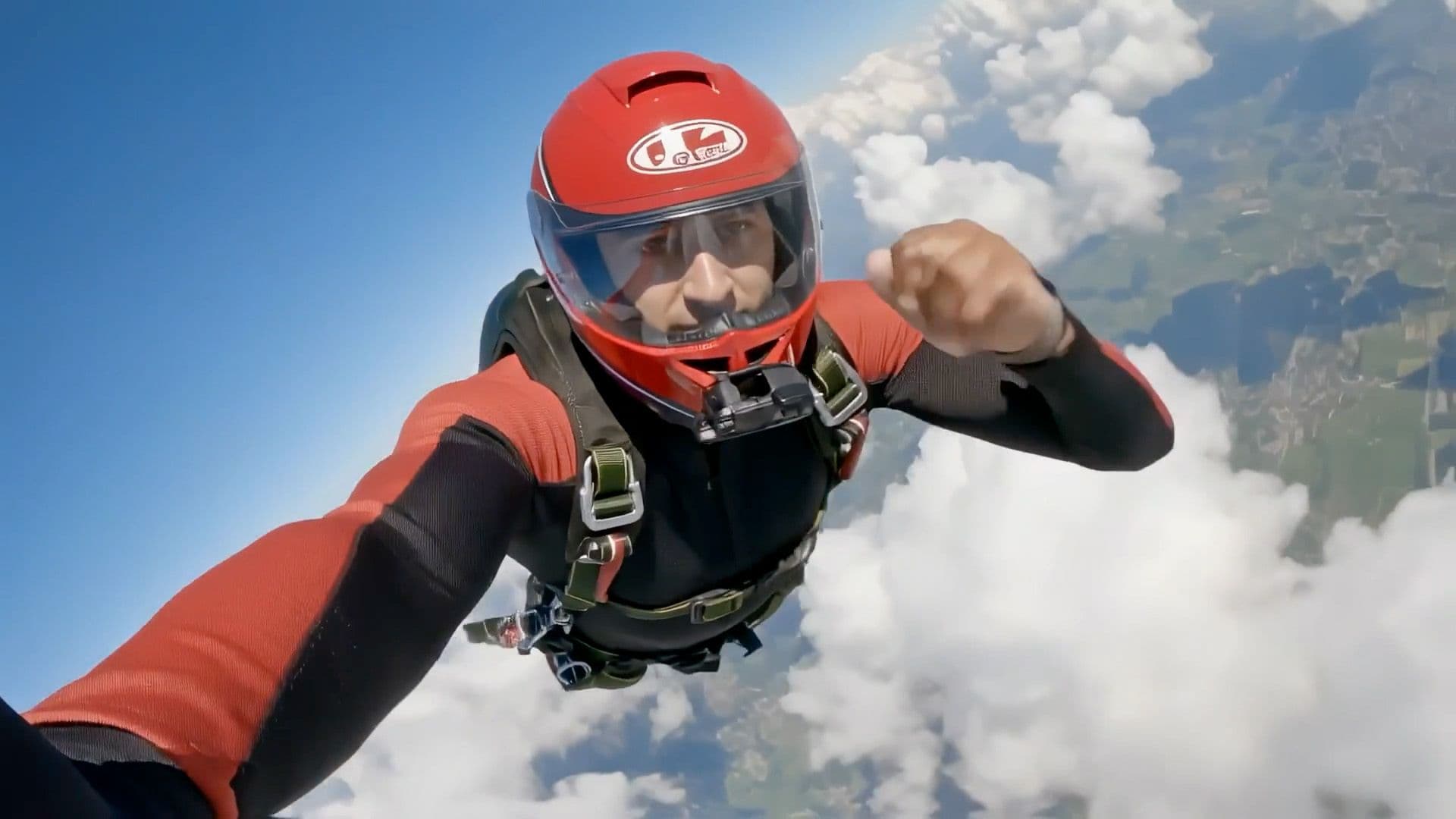
_Dream Machine_

### Dream Machine

Generate cinematic hiring and culture videos from role descriptions, culture statements, or brief prompts in seconds.
[Read more](https://website-staging-git-lorenzo-par-41.video.rocks/dream-machine)

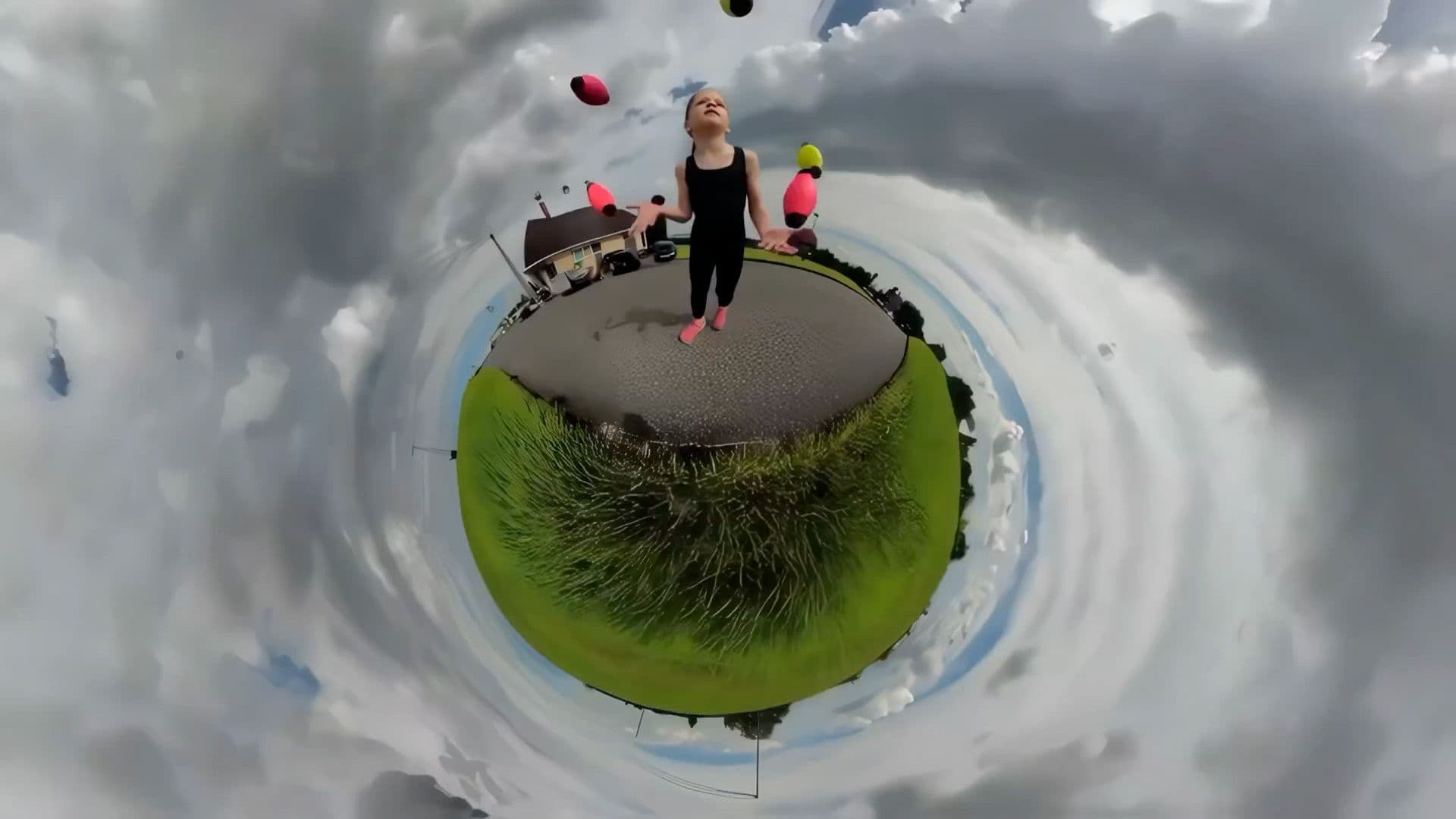
_3D Capture_

### 3D Capture

Scan your workplace, team setups, or office spaces using just your phone, and turn them into vivid 3D visuals for AI videos.
[Read more](https://website-staging-git-lorenzo-par-41.video.rocks/dream-machine)

_Photon_

### Photon

Light your workplace scenes realistically and add polish to every recruitment video with soft shadows, depth, and atmosphere.

[Read more](https://website-staging-git-lorenzo-par-41.video.rocks/dream-machine)

---

## Frequently Asked Questions

### 1. What are AI Video Snapshots in Luma?

AI Video Snapshots are high-resolution, frame-accurate still images extracted directly from Luma-generated videos. They capture cinematic moments with professional-grade lighting, motion blur, and visual uality baked in, making them instantly ready to use as thumbnails, cover images, or social media headers without any additional editing.

### 2. Can I export thumbnails from any video I make with Luma?

Yes. Any video you generate in Luma can be scrubbed frame by frame using Luma's playback interface. Once you find the most compelling or expressive moment, you can export a high-resolution still directly from that frame with a single click.

### 3. How are Luma snapshots different from taking a regular screenshot?

Unlike a screenshot, Luma snapshots are frame-accurate exports taken at full video resolution with all AI-enhanced lighting, depth, and motion uality preserved. Screenshots are low-resolution and often blurry or compressed. Luma snapshots are download-ready, platform-optimized stills that match the visual uality of the original video.

### 4. Are the exported thumbnails optimized for social media platforms?

Yes. Luma supports vertical, suare, and widescreen formats, making snapshots suitable for YouTube thumbnails, Instagram and TikTok covers, LinkedIn headers, email campaign images, e-commerce product listings, and paid ad creatives across all major platforms.

### 5. Do I need any design or editing skills to create thumbnails?

No. Simply generate your video in Luma, scrub to the frame that best represents your content, and export the snapshot. No Photoshop, no third-party tools, and no design experience is reuired.

### 6. Can I edit the snapshot after downloading it?

Yes. While Luma snapshots are ready to use as-is, you can take the downloaded image into any design tool such as Canva, Adobe Photoshop, or Figma to add text overlays, branding elements, or other customizations for platform-specific thumbnail formats.

### 7. What are the most popular use cases for AI video snapshots?

Common use cases include YouTube thumbnails, Instagram Reels and TikTok cover images, email newsletter headers, e-commerce product listing featured images, ad preview creatives, and LinkedIn or blog post visual headers, anywhere a single high-uality frame can drive clicks and engagement.

### 8. How do snapshots help maintain visual consistency across my content?

Since the snapshot is extracted directly from the video itself, the lighting, color palette, style, and mood are naturally aligned. This ensures your thumbnail always matches the content it previews, creating a cohesive and professional visual identity across your channel or brand.

### 9. Can brands and agencies use AI snapshots for large-scale content workflows?

Yes. Luma's rapid video generation and snapshot extraction workflow makes it practical for brands and agencies managing high-volume content calendars, allowing them to produce both the video and its thumbnail from a single creation session without separate design workflows.

### 10. Is Luma free to try for generating video snapshots?

Yes, Luma is free to try. Paid plans are available for higher usage limits, commercial rights, and advanced features. See Pricing for full details.